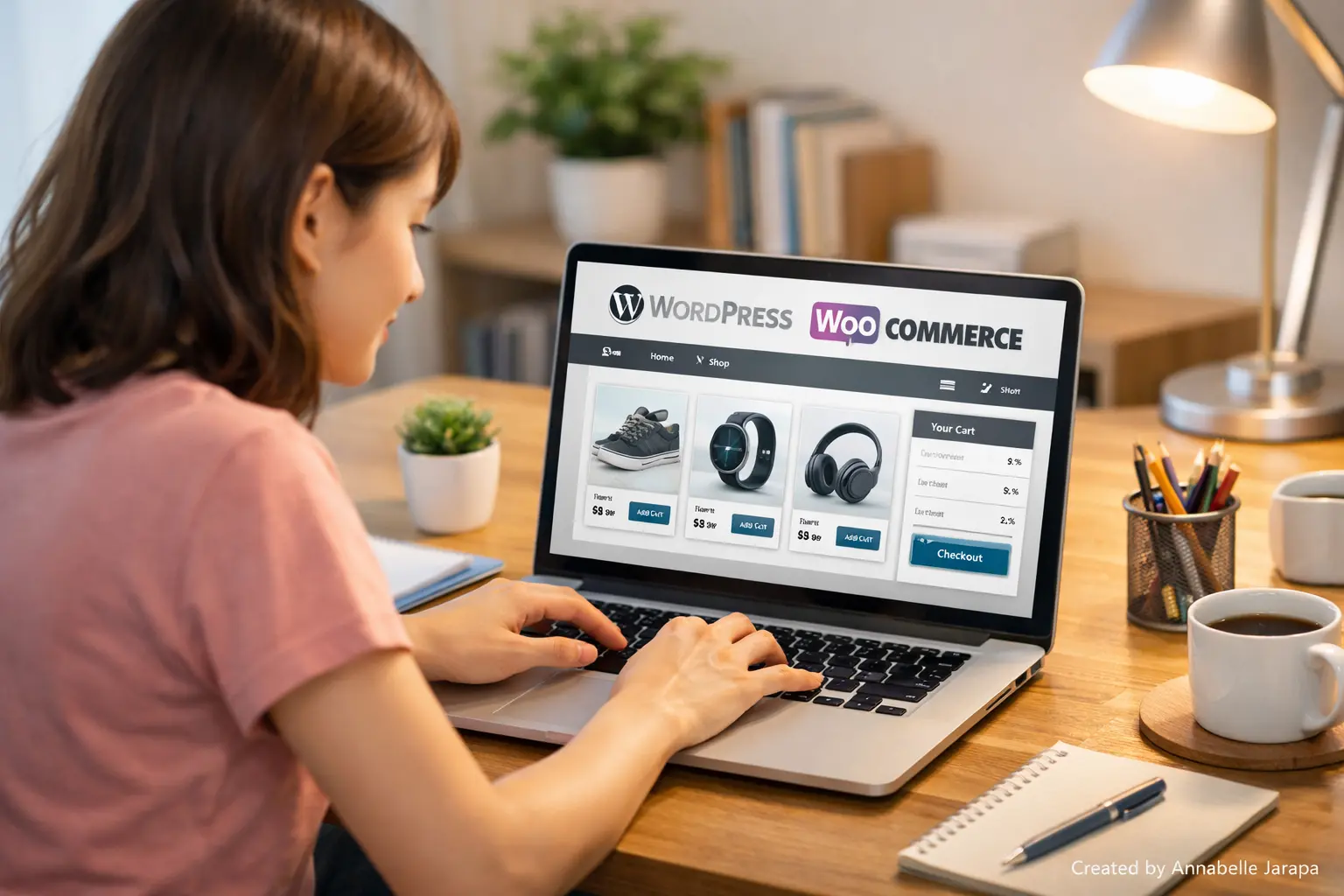
Start Your Online Store Without Spending a Single Dollar
This guide is for you if you have ever wanted to sell things online but were scared of making mistakes, dont know how, or thought it would cost too much. You do not have to hire developers or spend thousands of dollars up front to build an eCommerce store anymore. Even if you’re a complete beginner, you can make a fully functional eCommerce website for free today.
The purpose of this article is to give a clear introduction and overview, not a full written tutorial. To see the real hands-on, step-by-step guide, you should watch the full YouTube video tutorial below.
Build a FREE eCommerce Store (Step by Step) – Beginner-Friendly Overview Guide
You’ll see everything being built in real time in the video, which makes it much easier to follow than just text. This article will help you figure out what the tutorial is about, what you’ll learn, and why the best way to start is by watching the video.
Why It’s Easier Than Ever to Build a Free eCommerce Store
A few years ago, starting an online store meant:
- Paying for developers
- Buying expensive software
- Struggling with complicated setups
Anyone can now make an online store that looks professional, works well, and is ready to take orders with WordPress and free tools.
The main point of this tutorial is:
- Zero-cost setup
- Beginner-friendly tools
- No coding required
- Real-world practical approach
The point is to help you build your confidence first, and then grow your store when it starts to grow.
A High-Level Overview of What the Full YouTube Tutorial Covers
The full video tutorial shows you how to do everything from start to finish. Let’s look at the big picture of what you’ll learn instead of going into too much detail here.
You’ll learn how to do the following in the full tutorial:
- Set up WordPress correctly for eCommerce
- Install and configure WooCommerce
- Design a clean online store layout
- Add products the right way
- Prepare your store for real customers
This article gives you background information, and the YouTube video shows the actual execution. It takes away the guesswork and saves you hours of trial and error.
You can start the full tutorial at any time by clicking here: 👉 https://www.youtube.com/watch?v=LdvjCy88iU8&t=3231s
What You Will Learn by Watching the Whole Tutorial
1. A Clear Understanding of the Basics of eCommerce
You won’t need to know any technical terms to understand how online stores work behind the scenes, like how products, carts, checkouts, and customers move through the store.
2. The confidence to build without paying for tools
The tutorial shows that you don’t need expensive themes or plugins to get started. You’ll see how free tools can still get the job done like a pro.
3. How to set up a store in a useful way
You won’t just see theory; you’ll see real actions like clicks, settings, and layouts so you know exactly what to do on your own site.
4. A strong base for future growth
Even though the store is free, it was built so that you can add more features later as your business grows.
Why watching the video makes everything easier
Some tutorials tell you what to do but not how it should look when you’re done. That’s when video learning really works.
Watching the tutorial is helpful because:
- You can pause and replay any step
- You see real mistakes being avoided
- You follow along visually, not blindly
- You understand why certain settings matter
This makes it easier to learn, especially if this is your first eCommerce project.
The video is the best place to start if you want to understand things better.
Things You Need to Get Ready Before Watching
It’s a good idea to have a few things ready before you start the tutorial. Don’t worry; everything on the list is easy for beginners.
Basic Requirements:
- A computer or laptop
- Stable internet connection
- Willingness to learn step by step
Tools Used in the Tutorial:
- WordPress – Website platform
- WooCommerce – Free eCommerce plugin
- Free theme – Clean and lightweight design
- Free page builder (if used)
You don’t need to pay for any software. Beginners can do everything that is shown in the tutorial.
Who This Tutorial Is Good For
This guide and video are perfect for you if
- A beginner with zero technical background
- A blogger wanting to sell products
- A freelancer starting an online business
- A small business owner testing eCommerce
- A student or side hustler on a budget
This method is a good place to start if you want results without taking any risks.
Benefits of Creating a Free eCommerce Store
You can try things out, learn, and build without worrying about losing money.
✅ You Have Full Control Over Your Website
Your store is yours, not like marketplace platforms.
✅ Can grow in the future
Start with free features and add more as your business grows.
✅ A professional presence online
You can make a polished and trustworthy store even with free tools.
✅ Find a skill that pays well
Knowing how to make eCommerce sites is helpful for both freelancing and working for clients.
What Makes This Tutorial Unique
A lot of tutorials leave out important information or go too fast through steps. This one is all about:
- Clear explanations
- Real beginner mistakes
- Practical decision-making
- Logical flow from start to finish
You don’t just copy settings without thinking; you know what you’re doing.
To get the full experience, be sure to watch the whole tutorial here: 👉Build a FREE eCommerce Store (Step by Step)
Subscribe for More Practical Tutorials
If you like this tutorial, you might want to subscribe to the YouTube channels:
- Preet Tech Ideas (English tutorials)
- Preet WebXP (Hindi tutorials)
Both channels are about:
- WordPress
- Blogging
- eCommerce
- Website building
- Online business growth
Need Help from a Pro?
If you want a custom-designed website or need help from an expert, you can get it.
🌐 Website: Preet Web Vision
📞 Phone: +63-9633112000
📧 Email: inquiry@preetwebvision.com
Getting help from an expert can save you time and money, whether you’re building an eCommerce site, a business website, or a site that focuses on SEO.
You might find these articles helpful:
- How Small Businesses Should Prepare for 2026 Marketing Changes
- The Ultimate Plugins Checklist for the WoodMart Theme
- WoodMart Theme Speed Optimization Tips (2025)
- From Zero to Launch: The Complete Guide to Setting Up a WordPress Website in 2025
Last Thoughts
Making a free online store is no longer hard or dangerous. Even people who are new to something can start with confidence and learn as they go with the right help.
This article gave you a general idea. When you watch the whole tutorial and do what it says, that’s when the real change happens.
If you have questions, ideas, or run into issues, feel free to leave a comment on the video or this article. Engagement helps improve future tutorials and supports the community.