One of the easiest ways to improve your website’s branding and user experience is to change the default login and registration form in WordPress. You can create a professional, fully branded login and signup experience that matches the style of your website and builds trust right away, instead of showing visitors the generic wp-login screen.
If you want a clear guide, you can watch the whole tutorial here:
This article is your first step. It’s a friendly overview that will help you understand what customization is, why it’s important, and what you’ll need before you watch the full tutorial video. Before you start, think of this as your plan for getting ready.
Why Customize the WordPress Login & Registration Form?
The default WordPress login page works, but it doesn’t show off your brand. When users see a generic login screen, they might not feel like it fits with the rest of your website.
You can change it to
- Maintain consistent branding across all pages.
- Improve trust and professionalism.
- Provide a smoother user experience.
- Add helpful fields or remove unnecessary ones.
- Control redirects, styling, and messaging.
This is especially important if your website lets people sign up as members, runs a community, or sells things like memberships, online courses, or eCommerce accounts.
A well designed login and registration page right away makes your site look trustworthy, and that small visual change can have a big effect on how users see your site.
It is important to deal with security issues like repeated failed login attempts that can lock users out by accident while also making the login process better. If you’re having this problem, check out our guide on How to Solve Login Attempt Lockouts on WordPress to learn safe ways to handle login restrictions without bothering real users.
A Quick Look at What Customization Includes
Before you watch the full tutorial, here’s a simplified overview of what customizing WordPress login and registration forms usually involves.
1. Branding the Login Page
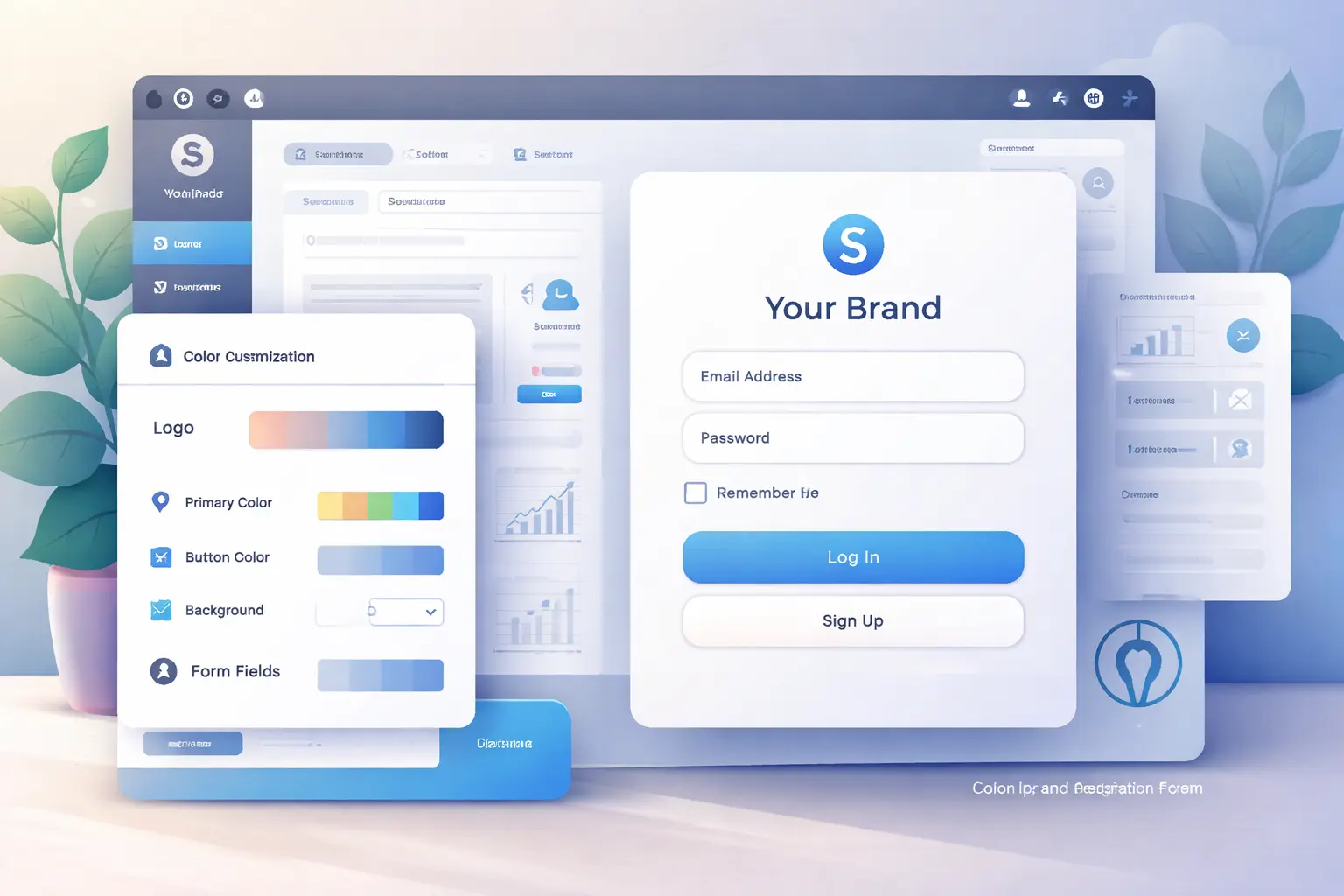
You can change the colors, background images, fonts, and layout of the page so that it looks like your site. You can also use your own brand logo instead of the default WordPress logo.
2. Modifying Form Fields
You might want to:
- Add custom fields (phone number, company name, etc.).
- Remove unnecessary inputs
- Improve labels and placeholders for clarity
3. Custom Redirect Rules
Instead of sending users to the WordPress dashboard, you can redirect them to:
- A custom welcome page.
- A member dashboard.
- A thank-you page after registration.
4. Styling Error and Success Messages
Custom messages make it easier for users to understand login errors, password problems, or successful registrations in a way that is more friendly and brand-friendly.
5. Improving User Experience
The login process is easier and faster with small changes like buttons that are easier to see, a design that works on all devices, and a layout that works on mobile devices.
The full video tutorial shows you how to do these improvements in a practical way, just like the ones you see here.
To follow along visually, make sure to watch the full guide here: 👉 How to Customize WordPress Login & Registration form
What You’ll Learn Inside the Full Tutorial
The full tutorial doesn’t just talk about theory; it also shows how to put it into practice.
- How to safely customize the login page design
- How to modify the registration form layout
- How to add or remove specific form fields
- How to apply styling without breaking your site
- How to ensure the login page matches your website theme
- How to maintain functionality while customizing
Why Watching the Video Makes This Easier
Reading a summary makes things clearer, but seeing the steps in action clears things up. Watching the tutorial helps you:
- Visualize each change as it happens
- Avoid common configuration mistakes
- Understand plugin or theme settings faster
- Follow a logical, step-by-step flow
For beginners, this visual learning approach prevents trial-and-error frustration and speeds up the entire customization process.
So before you attempt to implement anything, it’s highly recommended to watch the full walkthrough first: 👉 https://www.youtube.com/watch?v=ZUIPqDRqTbE
Tools & Requirements to Prepare Before Watching
To get the most out of the tutorial, you should have the following ready:
✔ A Working WordPress Website
You should already have a live or staging WordPress installation ready for customization.
✔ Admin Access
Make sure you can log in to your WordPress dashboard with administrator privileges.
✔ Backup Plugin or Hosting Backup
Always create a backup before modifying login or registration forms to avoid unexpected issues.
✔ Branding Assets
Prepare:
- Your website logo
- Brand colors
- Background images (optional)
Having these ready ensures you can implement changes immediately after watching the tutorial.
✔ Basic Familiarity with WordPress Dashboard
You don’t need advanced skills, but basic navigation knowledge will help you follow along smoothly.
Before you change forms, you need to pick the right tools. A lot of new plugins are coming out that add smarter UI builders, user role controls, and ways to style logins. To stay ahead of the game and choose tools for your website that will be useful in the future, check out our carefully chosen list of the Top WordPress Plugins Expected to Boom in 2026.
Benefits of Customizing Login & Registration Forms
Making these forms look better isn’t just for looks; it also helps your website in real ways
Stronger Brand Identity
A consistent login design reinforces your branding and creates a professional first impression.
Better User Trust
Visitors feel safer logging in when the page matches the main website instead of looking generic.
Improved Conversion Rates
A clear, user-friendly registration form reduces friction and encourages more signups.
Enhanced Navigation Experience
Redirect rules can guide users to the right pages immediately after login or registration.
Mobile-Friendly Access
Custom layouts allow you to optimize the login experience for mobile visitors.
Flexible Customization Options
You gain full control over fields, layout, messages, and styling — tailoring everything to your audience needs.
These benefits make login customization a small change that delivers long-term usability and branding value.
Common Use Cases for Custom Login Forms
Custom login and registration pages are very helpful for:
- Membership websites
- Online course platforms
- eCommerce stores
- Community or forum-based websites
- Client portal dashboards
If your website involves user accounts in any way, customization helps maintain a seamless and professional environment across all touchpoints.
When you use a user login system, technical problems like domain or DNS errors can sometimes stop the login process or make pages not load correctly. If you see this, go to our Fix DNS_PROBE_FINISHED_NXDOMAIN Error in WordPress troubleshooting guide to quickly get back in and keep your login pages running smoothly.
Get in touch with Preet Web Vision if you need help with your website.
🌐www.preetwebvision.com | 📞 +63 963 311 2000 | 📧 inquiry@preetwebvision.com
For more detailed, step-by-step tutorials on WordPress, SEO, and website growth, explore our YouTube channels:
- Preet Tech Ideas (English)
- Preet WebXP (Hindi)
Practical tutorials. Clear explanations. Real implementation.
Final Thoughts: Watch the Full Step-by-Step Tutorial
One small change that makes a big difference in branding, usability, and trust is changing the login and registration form on your WordPress site. You can make a simple login screen a full part of your website experience if you do it the right way.
To see the exact customization process in action and implement it correctly without confusion, watch the full tutorial.
Once you’ve watched the video, you’ll be ready to confidently apply the changes on your own website.
💬 Let us know what you think
Have you ever changed the look of your WordPress login page?
Do you like registration forms that are simple or that are fully branded?
Leave your questions or experiences in the comments. Your feedback helps other people learn faster and avoid making the same mistakes!