One of the best ways to make a professional WordPress website without having to worry about design or starting from scratch is to use free Elementor templates.
Before you read this summary, I highly recommend that you watch this full video tour that shows you exactly how everything works in real time:
FREE Elementor Templates: Build E-Commerce, Blogs & More
This article is meant to give you an overview of free Elementor templates, what you can make with them, and why following the video makes the process much simpler. The video makes it very clear what to do with your hands.
What Are Free Elementor Templates?
You can use the Elementor page builder to import free Elementor templates directly into your WordPress site. These templates are already designed layouts for websites. These templates give you a ready-made structure that already looks professional, so you don’t have to design sections, spacing, fonts, and layouts manually.
You just:
- Import the template
- Replace text and images
- Adjust colors or fonts if needed
This approach is ideal for beginners and busy website owners who want results without technical overwhelm.
Why Free Elementor Templates Are So Powerful
Design is where most beginners get stuck. Elementor templates remove that problem entirely.
Instead of asking:
- “Why does my site look unprofessional?”
- “How should this section be structured?”
- “What layout converts better?”
You begin with a layout that already works.
Templates are built with:
- Proper visual hierarchy
- Clean spacing and alignment
- Mobile responsiveness
- Conversion-focused sections
That means your website looks great even if you’ve never made one before.
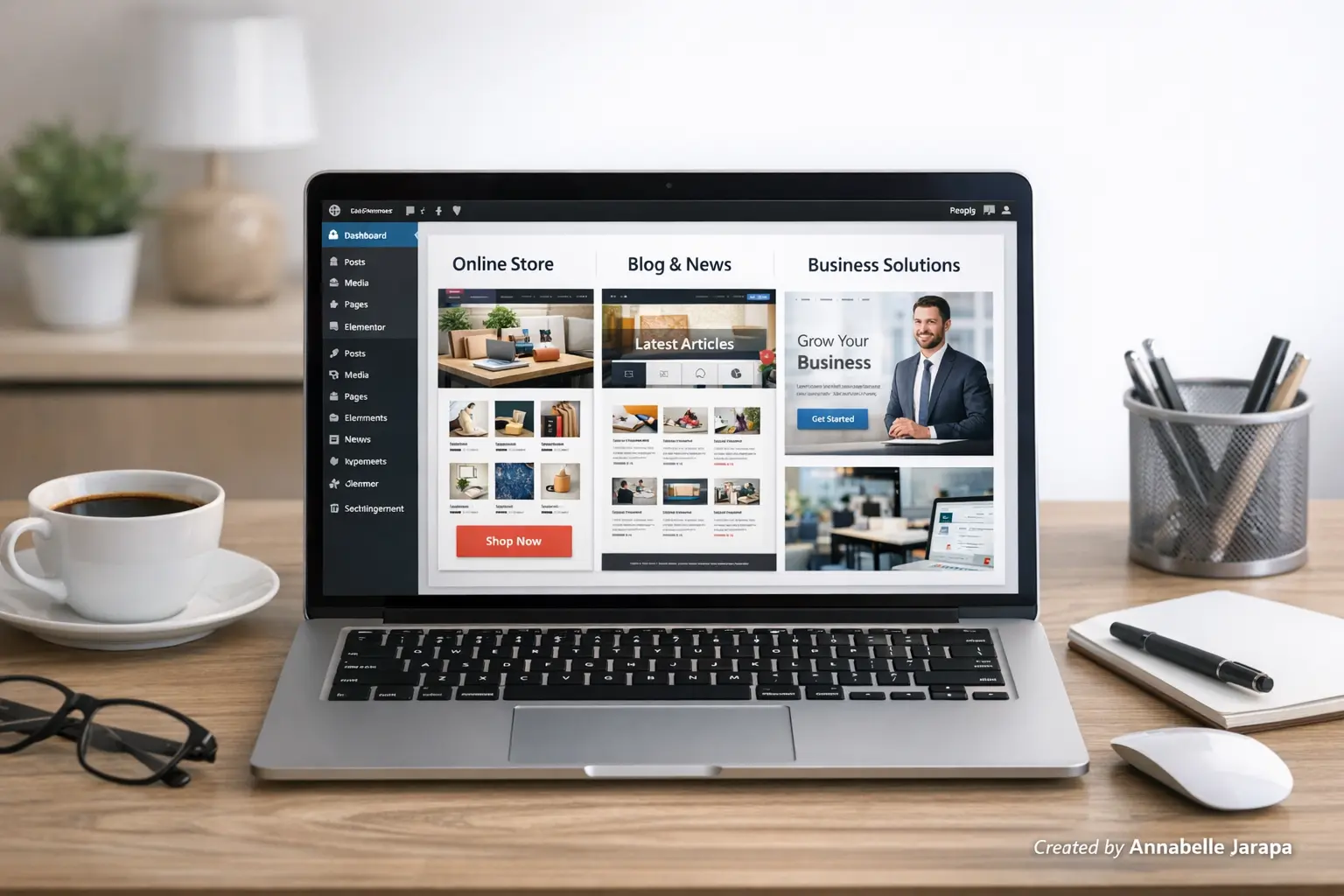
What You Can Build Using Free Elementor Templates
1️⃣ E-Commerce Websites
You can use free Elementor templates with WooCommerce to make them work for online stores. They often have:
- Homepage product sections
- Promotional banners
- Call-to-action buttons
- Trust-building layouts
You don’t need to be an expert at design to make a store layout that looks clean and professional.
2️⃣ Blogs & Content Websites
Templates make it easy for bloggers to:
- Create clean reading layouts
- Highlight featured posts
- Improve user experience
- Build credibility instantly
You should focus on content instead of design, and that’s how it should be.
3️⃣ Business & Agency Websites
Templates are most useful for service-based websites because they already have
- About sections
- Service breakdowns
- Testimonials
- Contact and CTA areas
This makes it easier for people to ask questions.
4️⃣ Landing Pages
Free Elementor templates are great for:
- Lead generation
- Email signups
- Promotions
- Campaign pages
You can quickly launch pages without having to hire a designer.
What You’ll Learn Inside the Full Video Tutorial
This article doesn’t go step by step on purpose because the video does a much better job of that.
In the tutorial, you’ll learn:
- Where to find quality free Elementor templates
- How to import templates correctly into Elementor
- How to customize layouts without breaking the design
- How to adapt one template for different website types
- Common beginner mistakes and how to avoid them
👉 Watch the full tutorial here: FREE Elementor Templates: Build E-Commerce, Blogs & More
Seeing everything on the screen makes things less confusing and speeds up learning a lot.
Why Watching the Video Makes Things Easier
It makes sense to learn Elementor visually because it is visual.
The video shows
- Where to click
- What settings to change
- How to preview correctly
- How to avoid layout issues
You don’t have to guess or fix mistakes later; you follow along with confidence. This is especially useful if you are new to WordPress or page builders.
Tools & Requirements Before You Watch
Get these ready before you begin the tutorial:
✔ WordPress Website
A working WordPress installation on your hosting.
✔ Elementor (Free Version)
No paid version required.
✔ Basic Content
Simple text and images to replace demo content.
✔ Stable Internet
Needed for importing templates.
That’s all you need to follow along smoothly.
Why You Should Use Free Elementor Templates
- Saves time – build pages in hours, not days
- Beginner-friendly – no coding required
- Professional design – clean and modern layouts
- Flexible customization – templates are starting points
- Cost-effective – perfect for tight budgets
Do templates make all websites look the same?
Only if you don’t customize them.
You can easily do the following with Elementor:
- Change colors and fonts
- Rearrange sections
- Add or remove elements
- Adjust spacing
The video lesson shows you how to customize templates so that your site still feels like its own brand.
Common Mistakes Beginners Make
Most of the time, new users:
- Edit the wrong global settings
- Overload pages with widgets
- Ignore mobile layout
- Import incompatible templates
Following the video stops these problems from happening in the first place, which saves you time and stress.
Subscribe for More Practical Tutorials
If this topic was helpful, please subscribe to my YouTube channel, Preet Tech Ideas, and Preet WebXP has the same kind of step-by-step WordPress and Elementor help in Hindi for people who would rather have it that way.
If you subscribe, you won’t miss any future tutorials that make building a website easier.
Want a Done-For-You Website?
You can also look into Preet Web Vision if you’d rather have professionals take care of everything.
Preet Web Vision is helpful to:
- Bloggers
- Businesses
- Creators
Build fast, SEO-ready, and conversion-focused WordPress websites using Elementor.
If you want results but don’t want to do the technical work yourself, this is a great choice. Contact us at:
🌐 Website: Preet Web Vision
📞 Phone: +63-9633112000
📧 Email: inquiry@preetwebvision.com
Final Thoughts
Starting a website is the hardest part, but free Elementor templates make it easy. You start with a design that works and then change it to fit your needs instead of feeling overwhelmed.
This article gave you a quick look.
The video shows you step by step how to do it.
👉 Watch the complete Elementor step-by-step tutorial here: FREE Elementor Templates: Build E-Commerce, Blogs & More
Watch the video now, follow along, and subscribe to Preet Tech Ideas and Preet WebXP for more tutorials that make WordPress easy if you really want to build your website the right way.
You might also love this articles: