Why WordPress Plugins Are More Important Than Ever in 2026
WordPress has always been flexible, but by 2026, that won’t be enough.
Website owners have to deal with more competition, stricter privacy rules, higher performance standards, and visitors who leave right away if something seems slow or confusing. Many creators, on the other hand, want things to be less complicated, not more. They don’t want to have to install 25 plugins just to run a simple site.
The next wave of WordPress plugins will come from here.
The plugins that are expected to do well in 2026 aren’t just “feature-heavy” ones. They are plugins that help you solve problems. They focus on automation, performance, security, conversions, accessibility, and real business results, and they don’t make beginners learn how to code.
If you’ve ever wondered:
- What plugins will still be useful next year?
- What should I base my website on for a long time?
- What plugin types are worth your time?
This guide answers those questions in a clear and useful way.
This is not a list of random plugin names.
This is a strategic look at the types of plugins, tools, and solutions that are becoming more popular and why they will be even more important in 2026.
This guide will help you choose better plugins that won’t need to be replaced every year, whether you have a blog, a service website, an online store, or client sites.
A Beginner’s Guide to the WordPress Plugin Landscape in 2026
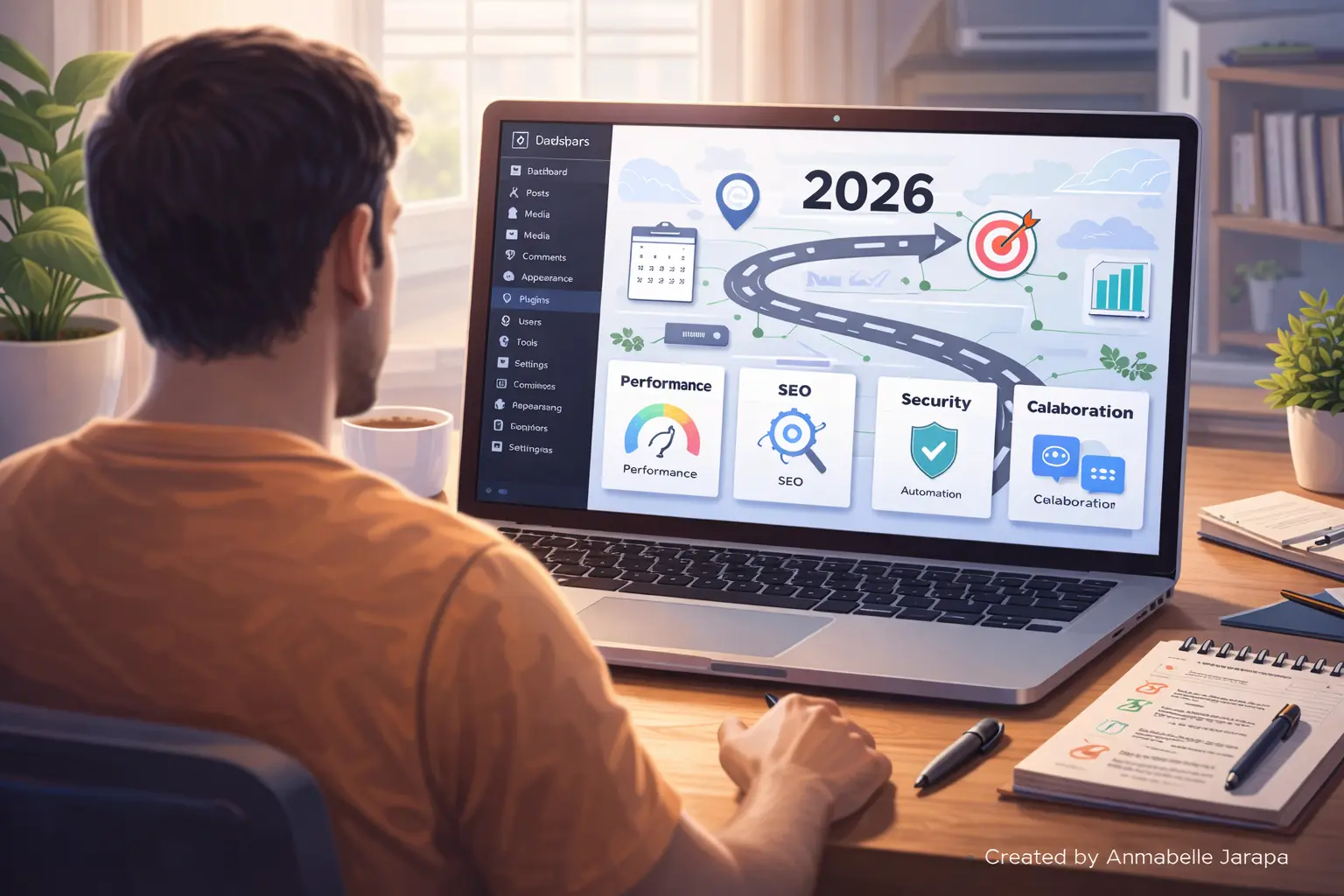
It’s important to know what’s changing in WordPress itself before we talk about specific plugins or categories.
How people are using WordPress now
WordPress websites should do the following in 2026:
- Load faster on mobile networks
- Automatically meet accessibility standards
- Take care of privacy compliance without doing any work yourself
- Get visitors to buy without popups that are too pushy
- Need fewer plugins to get more done
This change is making plugin developers make tools that are:
- More modular—you only turn on what you need
- Less manual setup and monitoring, more automated
- More aware of performance—lightweight and optimized
- Easier for beginners—fewer settings that are hard to understand
What “Booming Plugins” Really Means
We don’t mean hype when we say a plugin is “expected to boom.”
We’re talking about add-ons that:
- Fix problems that are getting worse
- Make sure your site works with WordPress core updates
- Less reliance on many tools
- Works well with page builders and block editors
- Give people something of value that will last, not just short-term trends.
Site owners are tired of patchwork solutions, so these plugins are being used more quickly.
The Most Important Plugin Types for WordPress in 2026
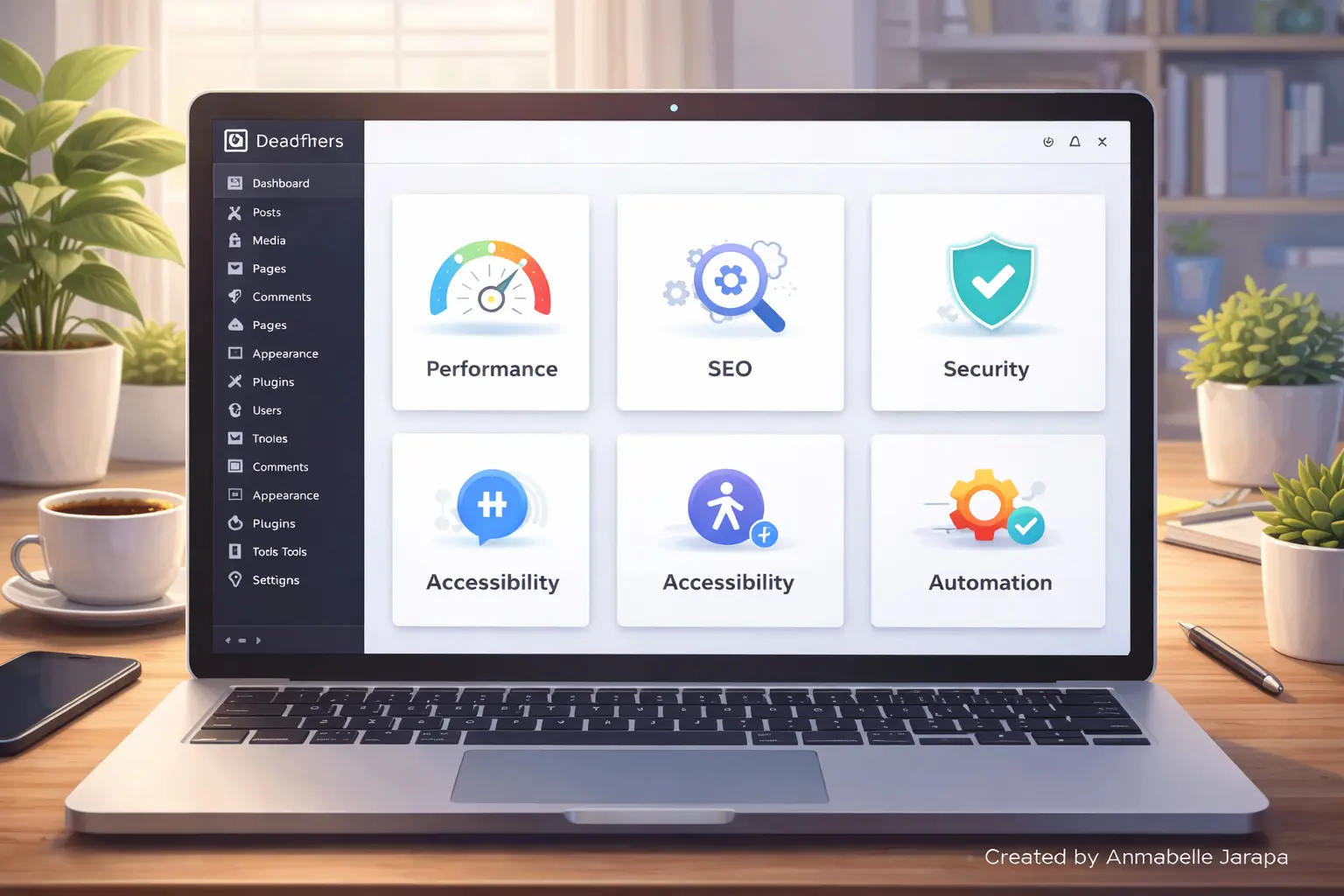
This guide doesn’t just give you a long list of plugins. Instead, it focuses on plugin categories that are clearly becoming popular and the types of tools within them that you should pay attention to.
In this first part, we’ll talk about basic plugin categories that almost all WordPress sites will need in 2026.
1. Performance and Core Plugins for optimizing Web Vitals
Why there is a huge demand for performance plugins
Speed is no longer a “nice-to-have” in 2026.
Google’s Core Web Vitals, mobile-first indexing, and real-user metrics mean that websites that are slow don’t last. Hosting alone won’t fix everything; you still need to optimize at the plugin level.
What’s changing is how performance plugins work.
Older performance plugins needed a lot of technical know-how and settings that could be dangerous. Newer ones are more about smart automation, safe defaults, and testing in the real world.
What Modern Performance Plugins Are All About
Most plugins that are expected to do well in this category do:
- Page caching that works well on mobile devices
- Deferring scripts and getting rid of unused CSS
- Optimizing images with adaptive loading
- Optimizing the loading of fonts
- Cleaning up a database without losing data
Instead of having to check a lot of boxes, newer tools show users how to do things one step at a time.
Practical Use Case
Picture a blogger who has a lot of content on their site:
- Long articles
- Multiple images
- Embedded forms
- Ads or affiliate links
A modern performance plugin does the following on its own:
- Compresses images without losing quality
- Defers scripts that stop pages from loading
- Makes the fonts in themes look better
- Changes settings for people who use mobile devices
This directly boosts rankings and lowers bounce rates, all without having to do anything by hand.
A common mistake for beginners
A lot of beginners still install more than one caching plugin at a time, thinking that more is better. In reality, this causes problems and makes things run more slowly.
Booming plugins in 2026 will let you use one smart tool instead of three or four older ones.
2. Security Plugins That Focus on Prevention, Not Panic
Why Security Plugins Are Changing
Security plugins used to respond after something went wrong. Prevention is the most important thing in 2026.
People who own websites want:
- Less alerts
- Less false positives
- Clear explanations
- Protection that happens automatically without having to watch it all the time
This is very important for people who aren’t tech-savvy and don’t know how to read firewall rules or malware logs.
What’s new in WordPress security add-ons
Plugins that are likely to do well in this area are:
- Finding threats based on behavior
- Login protection with as little hassle as possible
- Monitoring the integrity of files
- Automatic patching of vulnerabilities
- Blocking suspicious traffic in real time
They don’t overwhelm dashboards; instead, they focus on clear actions.
Real-World Scenario
A weak version of a plugin lets an attacker into a small business site.
A modern security plugin:
- Finds the exploit pattern
- Automatically blocks the request
- Lets the site owner know with clear steps
- Recommends updating or replacing the plugin that is at risk
No panic. No downtime.
Mistake to Avoid
A lot of beginners only trust hosting security. Protection for the host is important, but plugin-level security adds another important layer, especially for threats that are specific to WordPress.
3. SEO Plugins That Focus on Content Quality, Not Just Keywords
Why SEO Plugins Are Going in a Different Direction
Putting too many keywords in a page is no longer useful. SEO plugins are changing to support the following in 2026:
- Content structure
- Search intent
- Internal linking
- Readability and UX signals
Creators don’t want to chase green lights; they want real help.
What Makes SEO Plugins Grow
The most important things about booming SEO plugins now are:
- Smart schema creation
- Suggestions for automatic internal links
- Analysis of search intent
- Scoring for content clarity
- SEO health summaries for each page
They don’t just say what’s wrong; they also say why it matters.
Use Case Example
A blogger writes a tutorial that is 2,000 words long.
A modern SEO plugin can help in the following ways:
- Suggesting better heading structure
- Flagging unclear sections
- Recommending internal links to related posts
- Ensuring schema is properly added
This makes the rankings better and the user experience better.
Beginner Trap
A lot of people still install more than one SEO plugin at a time. This leads to problems and duplicate schema.
In 2026, the best way to do SEO is to use one well-maintained plugin that does everything and has clear instructions.
4. Accessibility and Compliance Plugins (No Longer Optional)
Why Accessibility Plugins Are So Popular
Accessibility is no longer just the right thing to do; it’s also the right thing to do in some places.
More website owners will have to follow accessibility rules by 2026, such as:
- Keyboard navigation
- Screen reader compatibility
- Color contrast compliance
- Clear form labels
Beginners will have a hard time fixing all of this manually.
What modern accessibility plugins do
These plugins are helpful because
- Adding ARIA labels where missing
- Improving navigation for assistive tools
- Highlighting contrast issues
- Offering accessibility toggles
- Monitoring compliance changes
They don’t take the place of good design, but they do lower risk a lot.
An example from real life
People search for government-related things on a service website.
Accessibility plugins help make sure:
- Forms are usable by everyone
- Navigation works without a mouse
- Content is readable for all users
This builds trust and expands your reach.
5. Plugins for content creators that automate tasks and workflows
Why Automation Is Important in 2026
Creators are overwhelmed.
Bloggers handle a lot of things at once, like content, updates, emails, backups, SEO, and security. Automation plugins make things easier on the mind.
What These Plugins Do Automatically
Booming automation plugins often handle:
- Scheduled maintenance tasks
- Auto-updates with rollback protection
- Content publishing workflows
- Backup triggers before updates
- Form-based automation actions
Example Scenario
Before you update WordPress:
- The plugin runs a backup
- Updates core and plugins
- Checks for errors
- Rolls back automatically if something breaks
This saves time and stress.
Tools & Resources Needed So Far
To get ready for plugin success in 2026, you need:
- Reliable hosting (plugin-friendly)
- A clean WordPress installation
- Fewer but better plugins
- Regular updates and testing habits
6. Plugins that are focused on conversions and made for real people, not tricks
Why Conversion Plugins Will Change in 2026
For years, WordPress conversion plugins used aggressive methods:
- Constant popups
- Fake urgency timers
- Intrusive overlays
These strategies don’t work in 2026. Visitors are more aware of their privacy, less patient, and more likely to leave if they think they are being manipulated.
Plugins that are expected to do well now are focused on small, experience-driven changes.
They don’t stop users; they help them instead.
What Modern Conversion Plugins Really Do
Most of the time, booming conversion plugins have:
- Inline call-to-action blocks inside content
- Context-aware opt-ins (based on page type or behavior)
- Lightweight slide-ins instead of full popups
- Smart placement rules (after scroll, after reading, exit intent done gently)
- Performance-friendly scripts
These plugins work with content, not against it.
Example in real life
A long tutorial post has:
- A small CTA after a helpful section
- A newsletter signup near the conclusion
- A service contact block after explaining a problem
No distractions. No spamming. Just the next logical steps.
Common Beginner Mistake
A lot of new users install a conversion plugin and turn on all of its features at once.
In 2026, restraint works better. One or two well-placed CTAs work better than ten popups.
7. Plugins for email, CRM, and building an audience
Why Email-Focused Plugins Are Surging
Social media sites change their algorithms all the time. Email is still stable.
That’s why WordPress plugins focused on:
- Email list building
- Simple CRM functionality
- Subscriber segmentation
are getting a lot of use.
But the trend in 2026 is simplification.
What These Plugins Are All About Now
Instead of bloated dashboards, newer plugins offer:
- Simple subscriber tagging
- Form-based automation
- Integration with email services
- GDPR-friendly consent handling
- Clear unsubscribe management
They are not made for big companies, but for bloggers and small businesses.
Real-World Use Case
A website that offers services uses:
- A contact form
- A newsletter signup
- A lead magnet download
A modern email plugin does the following automatically:
- Tags leads based on interest
- Sends the correct follow-up email
- Keeps subscriber data organized
No sorting manually. No spreadsheets.
8. Monetization Plugins Beyond Traditional Ads
Why monetization plugins are changing
Banner ads aren’t working as well anymore. A lot of creators are moving toward:
- Digital products
- Services
- Memberships
- Affiliate content
Plugins that are expected to be very popular in 2026 will support more than just ads for making money.
Types of monetization plugins that are becoming more popular
These include plugins for:
- Simple digital downloads
- Lightweight membership access
- Paywalled content sections
- Affiliate link management
- Subscription-based content
Control is the main difference.
Creators want tools that can change, not systems that are set in stone.
Example Scenario
A blogger sells:
- A PDF guide
- Access to premium tutorials
- One-on-one consultations
Modern monetization plugins let you:
- Multiple pricing models
- Clean checkout experiences
- Integration with existing content
All of this is possible without building a full eCommerce store.
9. Form Plugins That Act Like Smart Assistants
Why Forms Are More Important Than Ever
Forms are everywhere:
- Contact pages
- Quote requests
- Lead generation
- Surveys
- Feedback
In 2026, form plugins will be more than just forms.
They act as workflow triggers.
What Modern Form Plugins Can Do
Booming form plugins include:
- Conditional logic
- Multi-step forms
- File uploads
- Automation hooks
- Spam protection without captchas
They also put a lot of emphasis on ease of use and accessibility.
Example in real life
A quote request form:
- Changes questions based on answers
- Sends different emails based on selections
- Stores submissions neatly
- Integrates with email or CRM tools
This makes leads better and saves time.
Beginner Mistake
Making forms complicated.
Shorter forms work better in the real world. Smart plugins automatically remove fields that aren’t needed.
10. Plugins for managing content and editing workflow
Why Editorial Plugins Are So Popular
As content sites get bigger, it gets harder to keep track of drafts, updates, and changes.
Plugins that are expected to be very popular in 2026 will help creators:
- Plan content calendars
- Track updates
- Manage multiple authors
- Optimize publishing workflows
What These Plugins Are All About
They don’t have fancy graphics; instead, they offer:
- Clear editorial status labels
- Scheduled reminders
- Content revision tracking
- Internal notes for editors
- SEO and update flags
Great for bloggers who want to grow beyond publishing on their own.
How to Pick the Best Plugins for 2026 (Without Slowing Down Your Site)
More than any plugin name, this process is important.
Step 1: Figure out what your website’s main goal is.
Ask:
- Is this site for blogging?
- Lead generation?
- Selling products?
- Client services?
That goal should be directly supported by your plugin stack.
Step 2: Limit the number of plugin categories, not just the number of plugins.
Instead of counting plugins, limit the number of categories:
- One performance plugin
- One SEO plugin
- One security plugin
- One form plugin
- One conversion plugin
This keeps things from getting mixed up and causing problems.
Step 3: Check Update History and Compatibility
Booming plugins:
- Update regularly
- Support modern WordPress versions
- Work with block editor and page builders
Don’t use plugins that are no longer being updated, even if they have good reviews.
Step 4: Test Plugins in a Staging Environment
Before putting it on a live site:
- Test speed impact
- Check conflicts
- Verify settings
This habit keeps bad things from happening.
How to Avoid Common Mistakes Beginners Make
Mistake 1: Adding plugins for features you don’t need
Unused features make sites slower and harder to manage.
The answer is to start small. Only add features when you need to.
Mistake 2: Not reading the plugin documentation
There is a reason why modern plugins come with onboarding guides.
Solution: Spend 15 minutes learning the settings; it will save you hours later.
Mistake 3: Following trends without a plan
A plugin that is popular might not work for your site.
The answer is to focus on results, not popularity.
Troubleshooting: When Plugins Don’t Work as Expected
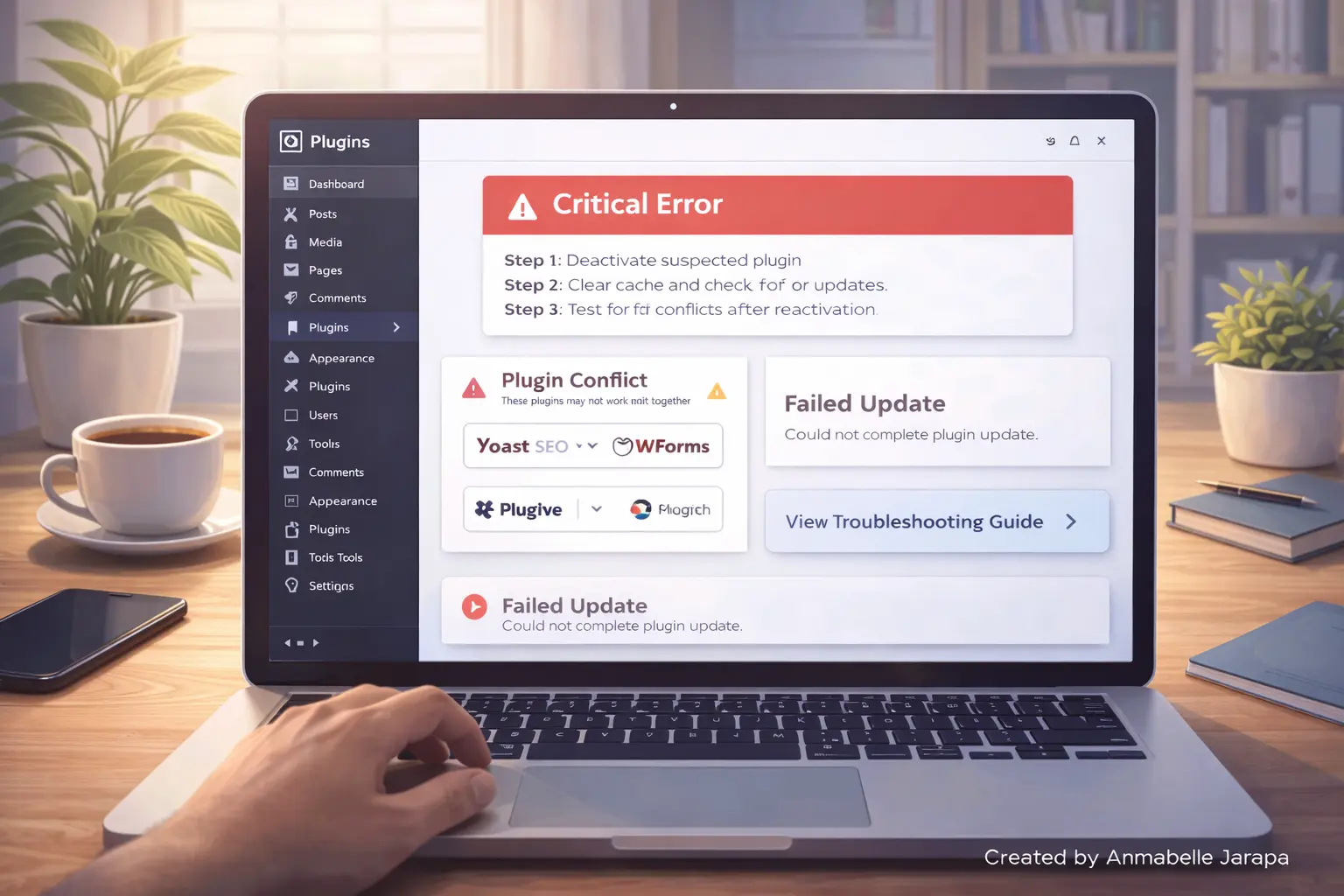
Issue: After Installing a Plugin, the Website Gets Slow
What to do:
- Disable the plugin temporarily
- Check performance impact
- Review settings
- Replace with a lighter alternative if needed
Issue: The plugin doesn’t work with the theme or builder.
What to do:
- Switch to default theme for testing
- Disable other plugins one by one
- Contact plugin support with details
Issue: Features Don’t Show Up as Promised
What to do:
- Check user role permissions
- Confirm feature availability in your plan
- Review documentation carefully
Best Practices Based on How People Use Them
- Fewer plugins with broader functionality outperform many narrow plugins
- Plugins should support content, not distract from it
- Performance always comes before features
- Accessibility benefits everyone—not just compliance
- Automation reduces burnout
In 2026, here are some advanced tips for getting better results from WordPress plugins.
The real benefit comes from how you use the different types of plugins together once you know which ones are important. Bad plugins don’t cause most WordPress sites to fail; bad implementation does.
These advanced tips come from how people really use blogs, service sites, and business websites.
1. Make a Plugin Stack, Not a Collection of Plugins
Instead of seeing plugins as separate things, see them as parts of a whole.
A good WordPress site in 2026 usually has:
- One plugin handling performance
- One plugin handling SEO
- One plugin handling security
- One plugin handling conversions
- One plugin handling forms or automation
Plugins should work with each other, not get in the way of each other.
For instance:
- Your SEO plugin handles schema
- Your performance plugin optimizes scripts
- Your form plugin integrates with your email system
- Your conversion plugin uses inline CTAs instead of popups
This makes things more stable and less likely to cause problems.
2. Give priority to plugins that cut down on manual work
All of the plugins that are expected to do well in 2026 have one thing in common: they save time in the long run.
Find plugins that:
- Automatically clean databases
- Auto-detect performance issues
- Apply safe defaults
- Offer rollback after updates
- Reduce repetitive tasks
If a plugin makes your job harder instead of easier, it’s not future-proof.
3. Consider plugin settings as part of site optimization.
A lot of beginners install plugins and never go back to the settings.
In real life:
- Plugin defaults are safe, but not always optimal
- Reviewing settings every few months improves results
- Updates often add new features or improvements
A quick review of plugins every three months can:
- Improve speed
- Improve SEO signals
- Reduce security risks
- Improve conversions
4. Don’t forget about the user experience (UX) of your plugins.
Plugin UX is almost as important as website UX in 2026.
Good plugins:
- Explain settings clearly
- Avoid technical jargon
- Provide helpful tooltips
- Offer logical workflows
If a plugin feels confusing or outdated, it usually is.
Who This Guide Is Best For and When It Might Not Be the Best
This Guide Is Perfect If You Are:
- A blogger building long-term authority
- A WordPress beginner wanting future-proof tools
- A business owner managing your own website
- A freelancer building sites for clients
- A content creator monetizing knowledge or services
This guide helps you avoid plugin churn, which is when sites break all the time because you keep replacing them.
This Guide May Not Be Ideal If You:
- Want a single “install this plugin” list with no explanation
- Are building a temporary or test website
- Rely entirely on custom-coded solutions
- Expect plugins to replace strategy or content quality
Plugins help your site, but they don’t replace the basics.
Benefits and Long-Term Effects of Picking the Right Plugins
Using the ideas in this guide will lead to real benefits over time.
1. More stable websites
- Fewer conflicts
- Fewer crashes
- Easier updates
2. Better SEO and performance
- Faster load times
- Better user signals
- Higher retention
3. Less Stress from Maintenance
- Fewer emergency fixes
- Less troubleshooting
- Clearer workflows
4. Better chance of making money
- Better conversions
- More trust
- Cleaner user journeys
5. Ability to grow without rebuilding
The right plugins let your site grow without having to rebuild it every year.
Questions that are often asked (FAQs)
Are free WordPress plugins still useful in 2026?
Yes. A lot of free plugins have great core features. The most important thing is to pick plugins that are well-maintained, have active development, and clear instructions.
How many plugins are too many?
There isn’t a set number. A site with 25 lightweight, well-coded plugins can work better than a site with 8 poorly optimized ones. Don’t worry about how many, but how good and how much they overlap.
Do I need to change plugins every year to stay up to date?
No. Switching all the time makes things unstable. Instead of getting new plugins, pick ones that have a long-term plan and update them often.
Do plugins make WordPress run slower?
Plugins that are poorly made or overlap do. Modern, well-designed plugins that are meant to improve performance often make sites load faster instead of slower.
Is it okay to depend on plugins a lot?
Yes, if you:
- Keep them updated
- Use reputable developers
- Avoid abandoned tools
- Test changes properly
WordPress itself is built around plugins.
Will AI-based plugins take the place of all manual work?
No. The best plugins help creators in 2026. People still need to be involved in strategy, content, and decisions.
Last Thoughts: Getting Your WordPress Site Ready for 2026 and Beyond
The WordPress ecosystem is getting older.
It’s not about adding more features in 2026; it’s about being clear, performing well, and being able to last. The plugins that are likely to do well are the ones that respect creators’ time, make the user experience better, and follow the latest web standards.
If you pay attention to:
- Core plugin categories
- Long-term usability
- Automation without chaos
- Performance-first decisions
Your WordPress site won’t just make it through 2026; it will do well.
Need Professional Help With Your Website?
If you need help picking, setting up, or optimizing WordPress plugins for long-term growth, don’t hesistate to contact us.
🌐 Website: Preet Web Vision
📞 Phone: +63-9633112000
📧 Email: inquiry@preetwebvision.com
You can also check out our YouTube channels for useful WordPress tutorials, plugin walkthroughs, and fixes for real websites.
▶️ Preet Tech Ideas
▶️ Preet WebXP
You can also check this related articles.
- Top 10 Free Plugins For WordPress
- Top 7 WordPress Speed Optimization Plugins Compared
- Fix WordPress 500 Internal Server Error (2025)
- Solve Login Attempt Lockouts on WordPress
Leave a Comment
Are you getting your WordPress site ready for 2026 yet?
If you think any of your plugins will be important next year, or if you’re not sure if your current plugins are still useful, please leave a comment below.
If you’re a beginner and something in this guide wasn’t clear, feel free to ask. Clear questions often help other readers too.