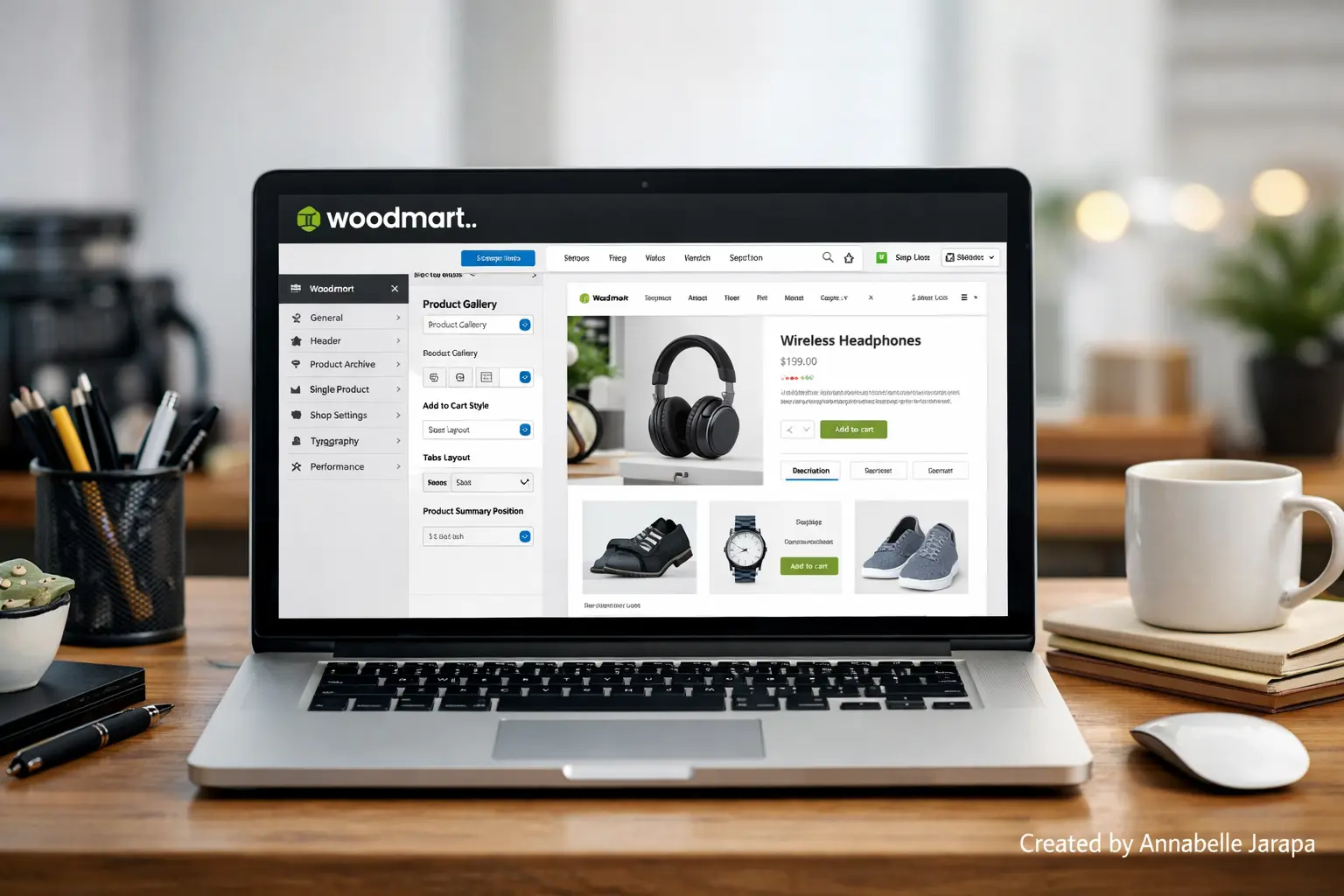
Learn how to build a powerful eCommerce website using the WoodMart WordPress theme in 2026 — complete tutorial with setup, customization, and optimization tips for WooCommerce stores.
If you want to make a strong eCommerce website in 2026, the WoodMart WordPress theme is one of the best choices. Also, I strongly suggest that you watch this full, step-by-step video tutorial to see exactly how to set it up right:
What is the WoodMart theme?
WoodMart is a high end WordPress theme made just for online stores. It is popular for online stores that use WooCommerce because it has a clean design, is easy to customize, and works quickly.
If you’re making:
- A fashion store
- Electronics shop
- Furniture website
- Dropshipping business
- Multi-vendor marketplace
With WoodMart, you can launch a professional-looking website without having to write any code.
Speed, mobile optimization, and user experience are more important than ever in 2026, and WoodMart was made with those things in mind.
What This Tutorial Will Teach You (A Quick Look)
The YouTube video shows you how to do the following:
- Installing the WoodMart theme properly
- Importing demo content
- Configuring WooCommerce settings
- Customizing homepage layout
- Editing headers and footers
- Adjusting product pages
- Optimizing for mobile view
- Basic performance tweaks
You won’t have to read long technical documents; instead, you’ll see everything being done step by step. That makes a big difference, especially if you’re just starting out.
Tools & Requirements Before You Watch
1. Domain Name
The address of your website (for example, mystore.com)
2. Web Hosting
Choose reliable hosting optimized for WordPress. Fast hosting ensures better performance.
3. Fresh WordPress Installation
Check that WordPress is already set up on your hosting.
4. WoodMart Theme File
Buy the theme from the official store and download it.
5. WooCommerce Plugin
This plugin makes WordPress a complete eCommerce site.
6. Basic Branding Assets
Prepare:
- Logo
- Product images
- Store name
- Brand colors
Having these ready allows you to follow the tutorial smoothly without pausing frequently.
Advantages of Using WoodMart for Your Store
The theme you choose has a direct effect on how well your online business does. This is how WoodMart helps.
Professional Look from Day One.
Even people who are new to it can make a store that looks like it was made by a professional.
Higher Conversion Rates.
People are more likely to buy when products are well-organized and work quickly.
Easy to set up.
Importing a demo cuts down on setup time by a lot.
Complete Design Freedom.
You can easily change the colors, fonts, layouts, and displays of your products.
SEO-Friendly Structure
A well optimized theme structure helps search engines find your site.
This theme becomes a strong base for growth when paired with good SEO techniques and detailed product descriptions.
Who Is This Tutorial For?
This tutorial is perfect for:
- Beginners starting their first online store.
- Bloggers expanding into eCommerce.
- Small business owners going digital.
- Freelancers building client websites
- Dropshippers launching niche stores
The video makes sure you don’t miss any important setup steps, even if you only know the basics of WordPress.
Important Tips Before Starting
Don’t hurry the installation.
A lot of beginners click through settings too quickly. Instead,
- Pause the video when needed.
- Follow each step carefully.
- Double-check WooCommerce configuration.
- Preview your website on mobile.
Taking your time to set things up now will save you trouble later.
After you’ve finished the basic setup, the next step is to improve the design. Don’t miss our Full Customization | Woodmart theme tutorial to learn how to professionally customize your store.
Need Help With Your Site?
Get in touch with Preet Web Vision if you need help with your website.
🌐 www.preetwebvision.com | 📞 +63 963 311 2000 | 📧 inquiry@preetwebvision.com
For more detailed, step-by-step tutorials on WordPress, SEO, and website growth, explore our YouTube channels:
- Preet Tech Ideas (English)
- Preet WebXP (Hindi)
Practical tutorials. Clear explanations. Real implementation.