People who come to your site don’t like to wait. If someone comes to your WordPress site with a question, even a few minutes of delay could mean losing a lead, a sale, or a page that they leave. That’s when adding live chat to WordPress changes the game.
You’re in the right place if you want to connect with visitors right away, answer their questions in real time, and get them more involved without making things more complicated. I’ve made a full video tutorial that shows you how to set everything up in a clear and easy-to-understand way.
Watch it here:
This article will give you a clear picture of what live chat integration is, why it’s important, and how it can help your WordPress site grow. This isn’t a full tutorial; it’s just a way to get ready for the video so that it’s easier to follow and more useful when you watch it.
What Is WordPress Live Chat Integration?
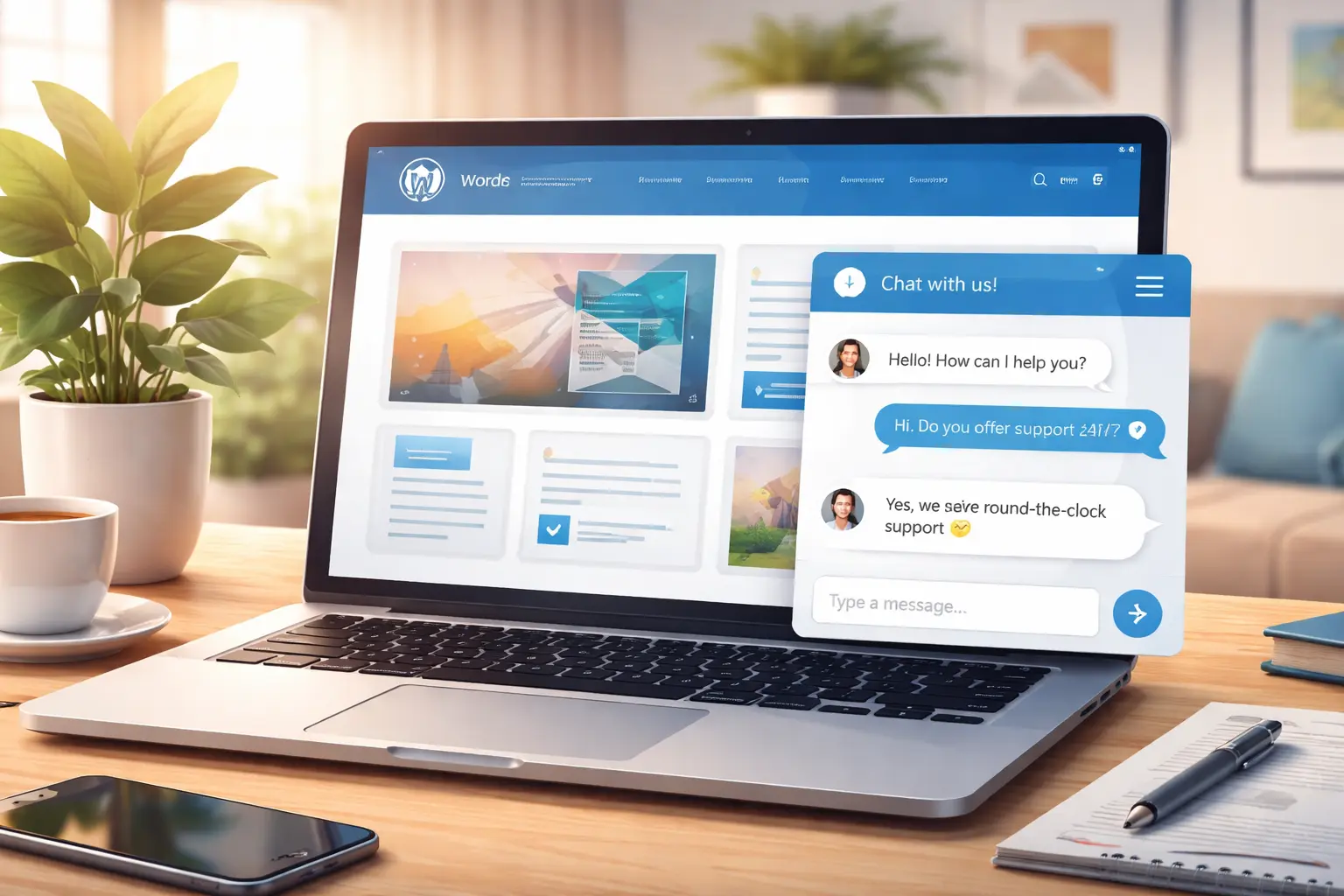
With WordPress live chat integration, you can talk to visitors to your site right away using a chat widget that is already on your site. Live chat lets users get help right away instead of making them fill out contact forms or wait for email replies.
Live chat is now one of the quickest ways to build trust and lower bounce rates, whether it’s on a blog, a business website, an online store, or a service page.
The real strength is how easy it is. After integration, your site can:
- Answer visitor questions instantly
- Guide users to the right pages
- Capture leads while they’re still interested
- Improve user experience without slowing down your site
The video tutorial linked above clearly explains the whole setup process, from choosing plugins to configuring them and making them work better.
Why Live Chat Is So Important for Engagement
People today want quick answers. They leave if they don’t get answers right away.
Live chat can help you:
- Turn casual visitors into active conversations
- Reduce friction during decision-making
- Build credibility by being accessible
- Increase conversions without aggressive selling
Live chat doesn’t feel forced like popups or pushy banners do. One of the least intrusive but most effective engagement tools for WordPress is this one, which lets visitors choose when to interact.
What You’ll Learn in the Full Video Guide
The YouTube tutorial doesn’t just talk about theory; it shows you how to set things up step by step. You’ll learn when you watch it:
- How to integrate live chat into WordPress correctly
- Which settings matter most for performance and usability
- How to make the chat box look clean and professional
- How to avoid common beginner mistakes
- How to ensure the chat doesn’t slow down your site
The video shows you exactly what to do, so you don’t have to guess or try things out on your own. This makes everything easier to understand, even if you’re new to WordPress.
When you’re ready, you can watch the whole tutorial here: Add Live Chat to WordPress (Boost Engagement!)
Why Everything Is Easier When You Watch the Video
It’s helpful to read about live chat, but it’s much better to see it in action.
The video tutorial,
- Shows real WordPress dashboard settings
- Explains each option in plain language
- Helps you avoid unnecessary features
- Saves hours of trial and error
Watching the video is the quickest and safest way to set up live chat correctly if you learn better by seeing things or want to make sure you don’t miss any important information.
Things You Need to Get Ready Before Watching
It helps to have a few basic things ready before you start the tutorial:
- A working WordPress website
- Admin access to your WordPress dashboard
- Stable internet connection
- Clear goal (support, sales, or lead generation)
- A few common visitor questions in mind
You don’t need to be very good with computers or pay for tools to follow along. The video goes over everything in a way that is easy for beginners to understand, so anyone can watch it.
The main benefits of adding live chat to WordPress.
There are both short term and long-term benefits to adding live chat to your WordPress site:
1. Faster Visitor Support
Don’t wait for emails to answer questions; do it right away.
2. Higher Engagement Rates
Visitors stay longer when they feel heard and assisted.
3. Improved Trust and Credibility
Your site feels professional and trustworthy when it is available in real time.
4. Better Conversion Opportunities
Live chat helps people make decisions when they are most interested.
5. Valuable Insights
Talking to visitors will help you improve your content and services by showing you what they really want.
The video tutorial clearly shows and explains all of these benefits.
Great for WordPress beginners, bloggers, and businesses.
If you run:
- A blog
- A service-based website
- An online business
- A personal brand
- A WordPress agency site
You can easily change how live chat works to fit your needs. The tutorial is good for both beginners and more experienced users because it focuses on how to use the software instead of using a lot of technical terms.
Don’t miss the full tutorial with all the steps. You’ll see exactly how everything works, from start to finish, without confusion or wasted time.
Subscribe for More WordPress Tutorials
If you found this helpful, make sure to subscribe to my YouTube channel Preet Tech Ideas and Preet WebXP. I regularly publish:
- WordPress tutorials
- Website optimization tips
- Blogging and online business guides
- Beginner-friendly tech solutions
If you subscribe, you’ll never miss useful content that helps your website grow.
Do you need professional help with your website?
Preet Web Vision can help if you’d rather focus on your business and let a professional handle the technical side. You can get help with everything from setting up WordPress and adding live chat to improving performance and getting ongoing support. You’ll get solutions that are right for your website goals without any extra work.
🌐 Website: https://preetwebvision.com/
📞 Phone: +63-9633112000
📧 Email: inquiry@preetwebvision.com
Getting help from an expert can save you time and money, whether you need small changes or full support for your website.
Related Articles to Read Next
- WordPress Course for Beginners – TUTORIAL
- Unlock Personal Brand Power with WordPress in 2025
- Fixing Broken Links in WordPress Fast
- Top 7 WordPress Speed Optimization Plugins Compared
Do you have questions about live chat? Are you already using it on your WordPress site?
Leave a comment below and share your experience. Your feedback helps improve future tutorials and articles.
And don’t forget to watch the whole tutorial here to see how everything works. https://www.youtube.com/watch?v=5aDgniJcQfM