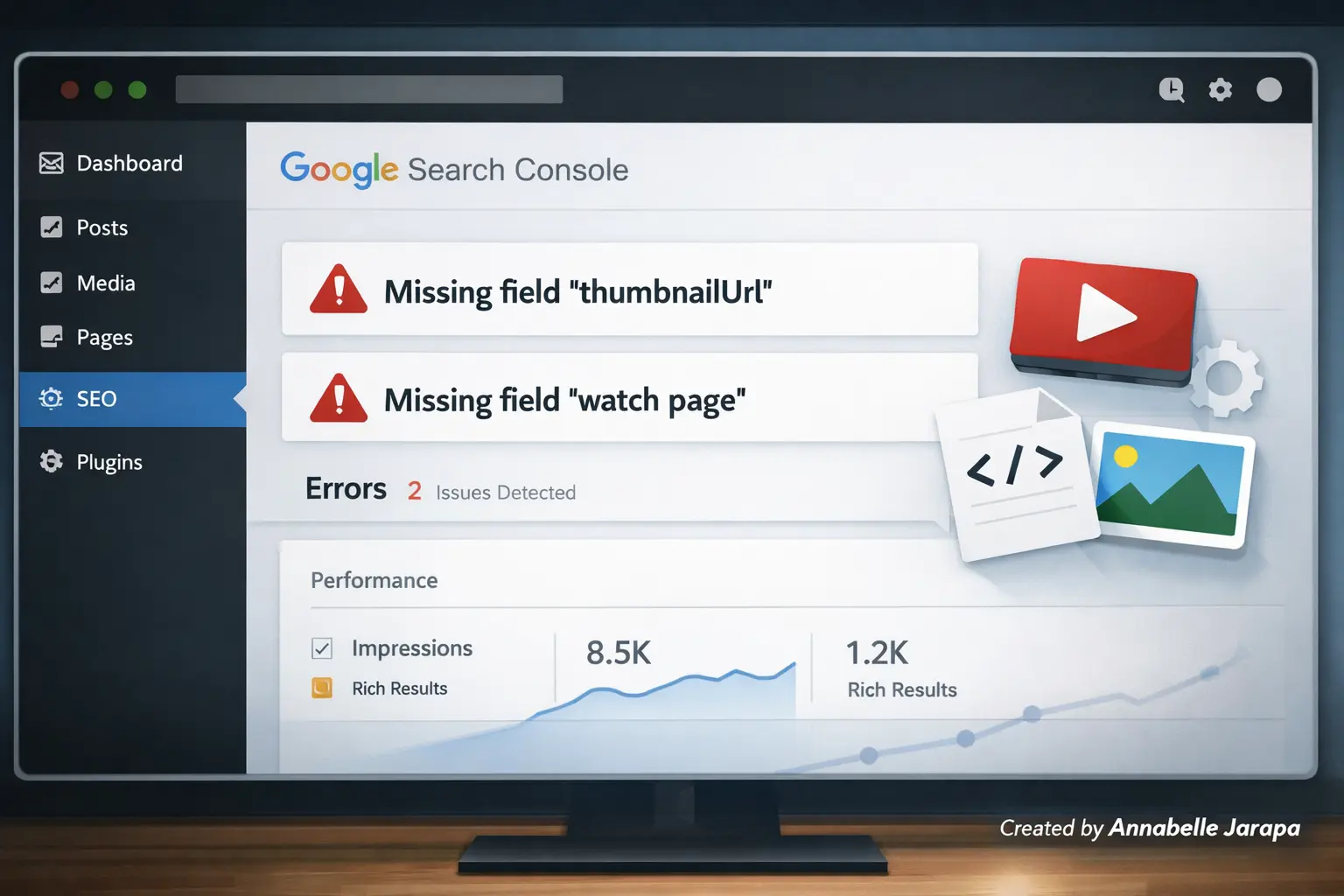
If you recently checked your video pages and noticed warnings like “Missing field ‘thumbnailUrl’” or “Missing field ‘watch page’” inside Google Search Console, you’re not alone. Many WordPress site owners encounter these errors when using video embeds, schema markup, or SEO plugins.
You can watch the full step-by-step solution below:
This article is a clear introduction and overview that will help you understand what these mistakes mean, why they happen, and what you’ll learn in the full video tutorial. The video shows the detailed implementation so you can easily follow along.
Understanding the “Missing field thumbnail Url & Watch Page” Error
When your page has a video, search engines want certain structured data fields to be set up correctly. These are:
- Thumbnail URL
- Watch Page URL
- Video title
- Description
- Upload date
Google may show warnings in Search Console reports if any of these required fields are missing, set up wrong, or not found.
These warnings don’t always stop indexing, but they do make it less likely that you’ll get rich results. That means that your video might not show up in search results with nice thumbnails or better previews, which can affect how many people click on it and how visible it is.
Even if your page is already indexed, it is important to fix the problem.
Why This Error Happens a Lot on WordPress Sites
Many beginners think that the error is caused by a broken video or an incorrect embed link at first glance. But the real problem is usually with how structured data is set up, not the video itself.
Here are the most common reasons this error appears
- Schema markup not fully configured
- Missing or invalid thumbnail metadata
- Incorrect video embed methods
- Theme or plugin conflicts
- Incomplete video structured data fields
WordPress themes and SEO plugins often make schema for you, but they don’t always include all the fields you need, such as the link to the watch page and the thumbnail URL. If these fields are missing or not found correctly, Search Console will show them as warnings.
The full walkthrough video shows this exact situation clearly. You can see the dashboard, schema setup, and troubleshooting flow in real time.
What You’ll Learn in the Full Video Guide
The video tutorial is meant to be useful and easy for beginners to follow. You won’t have to guess at different solutions; instead, you’ll see the whole process shown step by step.
In the tutorial, you will learn
1. How to Identify the Exact Error Source.
You’ll understand where the warning appears in Search Console and what each message actually means.
2. How Video Schema Affects Search Visibility.
You’ll see how structured data helps search engines interpret and display your embedded videos correctly.
3. The Correct Way to Provide a Thumbnail URL.
The tutorial explains how to ensure every video has a valid thumbnail that search engines can detect and use.
4. Fixing Missing Watch Page URL Issues.
You will learn how to correctly set up the watch page so that search engines can find the video content.
5. Checking Plugin and Theme Settings.
The walkthrough also highlights common plugin configurations that silently cause these warnings in the background.
If you’re new to schema or technical SEO, seeing the real dashboard while the fix is being applied makes the whole thing easier to understand.
Why Watching the Video Makes the Tutorial Easier to Follow
Sometimes, reading about schema fixes can be too much because they involve backend settings and structured data fields. Seeing the process in action makes it much less complicated right away.
Here is why the visual walkthrough is easier than a text-only guide.
- You see exactly where to click inside WordPress.
- You understand which settings affect thumbnail detection.
- You follow a logical troubleshooting workflow.
- You avoid misconfiguring schema fields.
- You learn the reasoning behind each adjustment.
The video shows you exactly what to do in the right order, so you don’t have to guess what settings to use. That clarity can save you a lot of time and effort.
To simplify the process, make sure to watch the full tutorial before attempting any fixes: Fixed: Google Search Console Missing field thumbnail URL & Watch Page Error
Tools & Requirements to Prepare Before Watching
Before you start putting the solution into action, it’s a good idea to get a few things ready. This makes sure you can follow along without having to stop the tutorial all the time.
1. Access to Search Console
You should be able to log in and see the report where the thumbnail URL or watch page warning is.
2. WordPress Admin Access
You need admin access to make most fixes because they need to be made in your website’s dashboard.
3. SEO or Schema Plugin Installed
The tutorial talks about common schema setups that SEO plugins can handle. You can follow each step in real time once your plugin is ready.
4. A Page with an Embedded Video
The error usually appears on posts or pages containing videos. Ensure your content already includes the video you want to optimize.
5. Basic Understanding of Structured Data
No technical expertise is required, but knowing that schema helps search engines interpret your content will make the tutorial easier to grasp.
Getting these ready ahead of time lets you fix the problem right away while you watch.
Overview: How This Error Impacts SEO & Rich Results
The errors “Missing field ‘thumbnailUrl'” and “Missing field ‘watch page'” will directly affect how your videos appear in search results. Your page will still benefit from having the right schema set up in many ways, even if indexing isn’t blocked.
- Eligibility for video rich snippets.
- Thumbnail previews in search results.
- Better categorization of video content.
- Improved visual appearance in SERPs.
When you use these fields correctly, your content will be more interesting and clickable in search results. Over time, this will lead to more traffic, more engagement, and better SEO performance.
Key Benefits of Fixing Thumbnail URL & Watch Page Errors.
Fixing Thumbnail URL and Watch Page Errors Has Many Benefits
✔ Improved Search Appearance
Your video pages can show thumbnails and enhanced previews, making them stand out visually.
✔ Higher Click-Through Rate (CTR)
Users are naturally more likely to click results that display video thumbnails and structured details.
✔ Better Video Indexing
Search engines gain a clearer understanding of your video content and its relevance to search queries.
✔ Cleaner Structured Data Health
Fixing these warnings ensures your schema markup stays compliant with search guidelines.
✔ Future-Proof SEO Setup
Once properly configured, your future video posts are less likely to trigger recurring structured data issues.
These benefits make it worthwhile to fix the warnings correctly rather than ignoring them or relying on temporary workarounds.
Before you start fixing, here’s a quick reminder.
The warnings may look technical, but once you know where to make changes to the configuration, the fix is usually simple. For beginners, the hardest part is just finding the right setting that is causing the fields to be missing.
That’s why the full tutorial is more about showing you how to do things than just talking about them. You will see both the problem and the solution applied step by step, which will make learning easier and more useful.
Do you need help with your website?
If you run a WordPress site and are having problems with Search Console, schema, or SEO, getting help from a professional can save you time and stop you from making the same mistakes over and over.
Get in touch with Preet Web Vision if you need help with your website.
🌐 www.preetwebvision.com | 📞 +63 963 311 2000 | 📧 inquiry@preetwebvision.com
For more detailed, step-by-step tutorials on WordPress, SEO, and website growth, explore our YouTube channels:
- Preet Tech Ideas (English)
- Preet WebXP (Hindi)
Practical tutorials. Clear explanations. Real implementation.
Final Thoughts: Watch the Complete Step-by-Step Fix
You now have a clear overview of what the “Missing field thumbnailUrl & Watch Page” error means, why it appears, and how it impacts your video SEO performance. However, to correctly resolve the issue on your own website, it’s important to see the real settings and adjustments demonstrated visually.
Watch the full tutorial here: https://www.youtube.com/watch?v=IU8hbuk8Eno&t=90s
You can leave a comment on the video after watching it and tell us how you fixed the problem on your site. Your comments and questions can help other WordPress users who are getting the same warning and want to find a reliable fix.