Related Posts
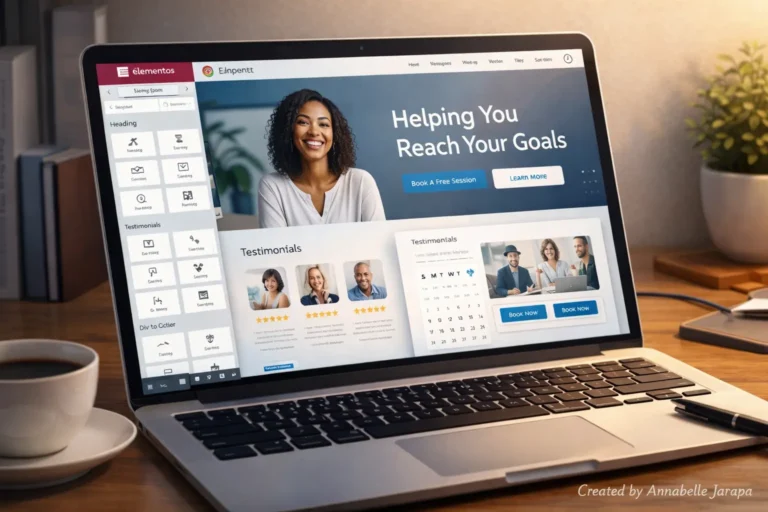
How to Build a Coaching Website with Elementor & WordPress (2025)
If you’re a coach of any kind in 2025—life coach, fitness coach, business mentor, relationship coach, or any other type of personalised support—you need to have a professional website. Your website is all of these things: a store, a portfolio, a sales tool, and a way to build trust. And the best part? You don’t…
Listeo WordPress Theme Customization: Complete Step-by-Step Guide
Watch the whole YouTube video: So, hit play on the video above, follow along with me, and let’s get your Listeo site up and running.
The Ultimate Elementor Tutorial For Beginners!
In today’s fast-paced digital world, you don’t need to know a lot about writing to make a professional, eye-catching, and responsive website. Users and companies can easily change the look of their websites with powerful page builders like Elementor. Elementor gives you all the tools you need to build a modern WordPress site from scratch,…
How to Quickly Change Your WordPress URL – 2025 Guide
In WordPress, permanent URLs, or “permalinks,” are the building blocks of site layout and content navigation. A permalink is something you’ve used every time you clicked on a blog post or went to a “About Us” page. Search engines use these URLs to find your site and tell people how to get to your content….
Duplicator Plugin Tutorial: Easy Backup your WordPress website
Watch the Full tutorial below: Backing up your WordPress site might sound like one of those things you’ll “do later,” but trust me, it’s one of the best habits you can build as a website owner. I’ve seen so many people lose their blogs, online stores, and even business websites just because they didn’t have…